Local Multiplayer Split-Screen Cameras in Unity (Cinemachine + the New Input System)
Sep 13, 2026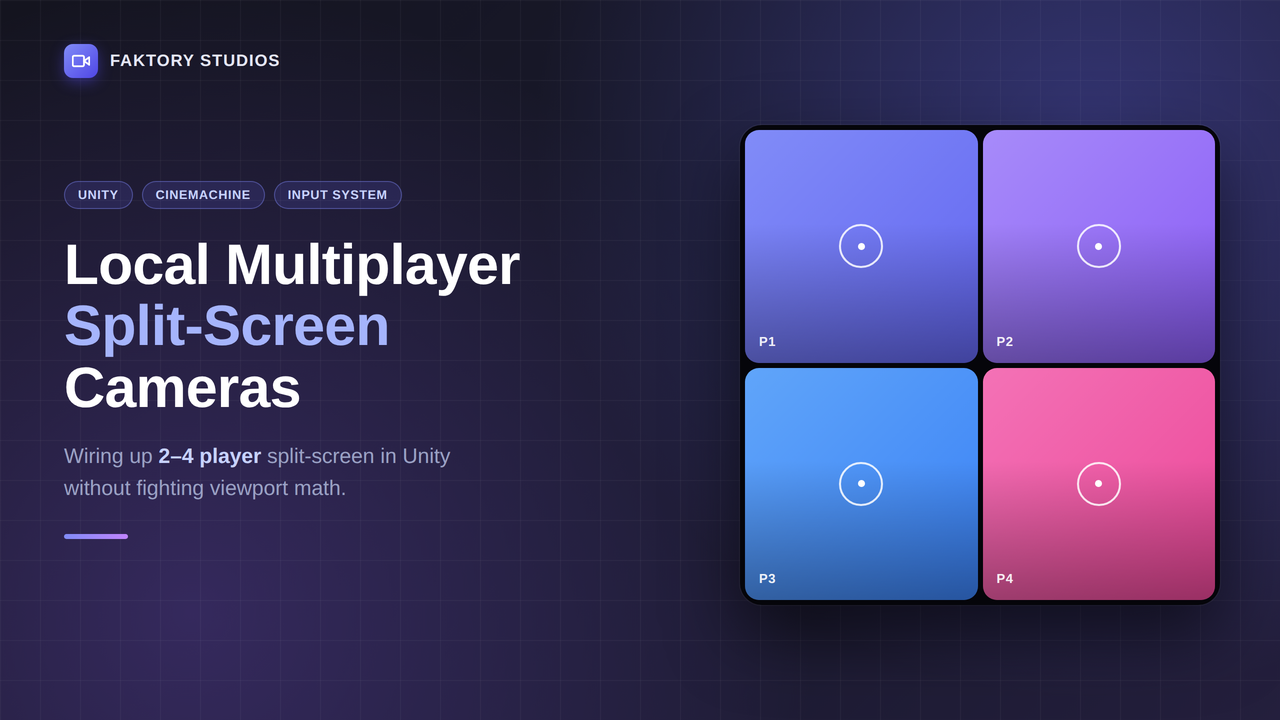
Split-screen is one of those features that sounds simple — “just divide the screen” — until you're three hours into fighting Camera Rects, dead viewport math, and a Cinemachine brain that only wants to look at one player at a time. Here's the setup I landed on for the Local Multiplayer Brawler Workshop, and the two mistakes that cost me the most time getting there.
The core problem
Unity's default camera model assumes one player. The moment you spawn 2–4 controllers through PlayerInputManager, you need each player to get their own Camera with its own Rect, and — if you want it to feel good — its own Cinemachine Virtual Camera following just that player.
The naive approach (hand-set Camera.rect values in code) works for a fixed player count but falls apart the moment you support 2, 3, and 4 players from the same menu. You end up with a pile of if (playerCount == 2) branches that nobody wants to maintain.
A cleaner pattern
Instead, treat split-screen layout as a lookup table keyed by player count and player index:
When a new player joins via PlayerInputManager.onPlayerJoined, spawn a Camera + CinemachineBrain, assign the appropriate Rect from the table above based on current player count, and create a dedicated Virtual Camera that follows only that player's transform. Re-run the layout assignment for all active cameras whenever the player count changes — not just the new one — or you'll end up with players 1 and 2 still rendering as if they're alone.
Mistake #1: Sharing one Cinemachine Brain
Cinemachine assumes one brain drives one output camera. If you try to reuse a single CinemachineBrain across multiple split-screen cameras, you'll get one player's view leaking into everyone else's viewport. Each split-screen Camera needs its own CinemachineBrain component, and each brain needs to only see the Virtual Cameras tagged for that player (a simple int playerIndex field on a custom Virtual Camera extension does the job).
Mistake #2: Forgetting audio listeners
Only one AudioListener can be active at a time in a scene. With four player cameras, you'll get “There are 2 audio listeners in the scene” warnings and inconsistent audio. Keep exactly one AudioListener active (usually on an always-present manager object, not on any per-player camera) rather than trying to have each split-screen camera listen independently.
Where this fits together
This is the exact system built out step-by-step — join screen, camera rig, and the combat system that sits on top of it — in the Local Multiplayer Brawler Workshop. If you just want the finished camera rig to drop into your own project, the free Cinemachine + Input System starter project has the barebones version of what's described above.
Join the Local Space Newsletter
Weekly Unity dev tips, tools, and short lessons to help you build faster and ship real projects.
We hate SPAM. We will never sell your information, for any reason.