Already Past the Basics? It’s Time to Build Real Game Systems.
You can move a character, spawn a few enemies, maybe even switch scenes. Now you want to write cleaner code, build better combat, and stop getting stuck on “hidden” problems. This page collects my best intermediate-level tutorials to help you get there.
Pick a topic you care about right now, or jump straight into the structured Unity 101 course when you’re ready.
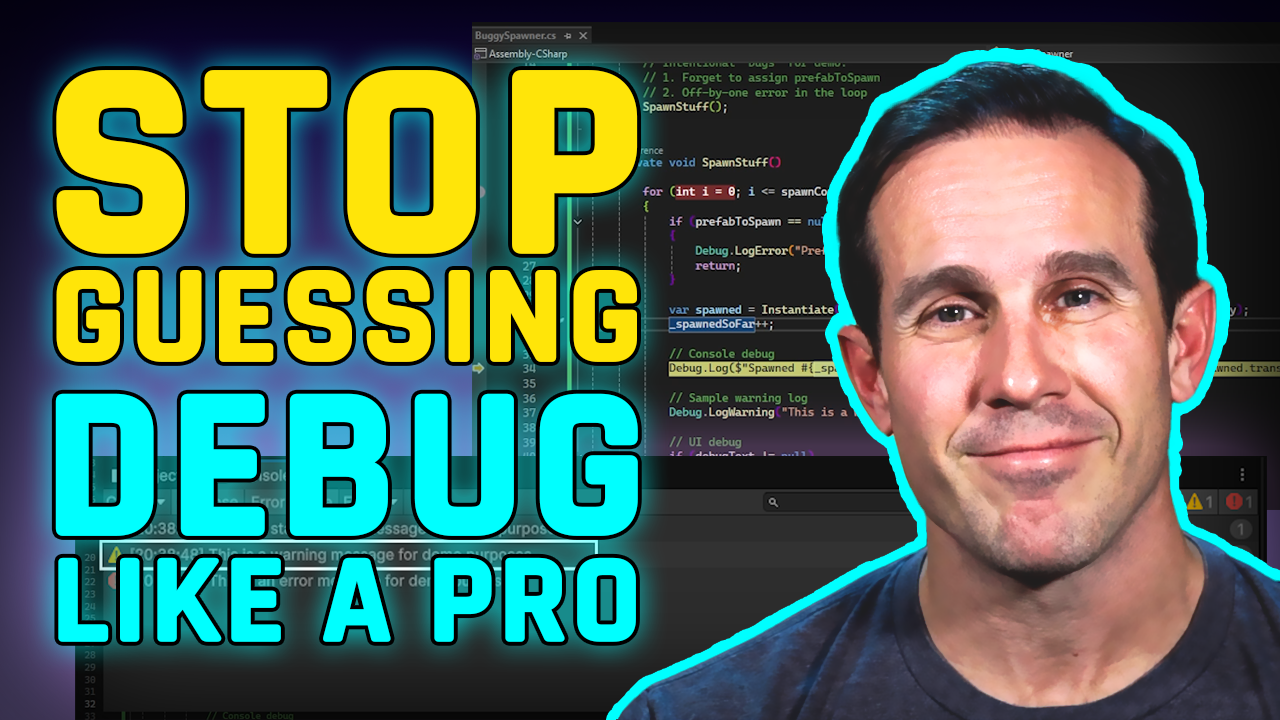
Stop Guessing. Start Debugging.
Bugs are where most intermediate devs stall out. Instead of flailing around and randomly changing code, you’ll learn how to reproduce issues, read errors, and track down the real cause step by step.
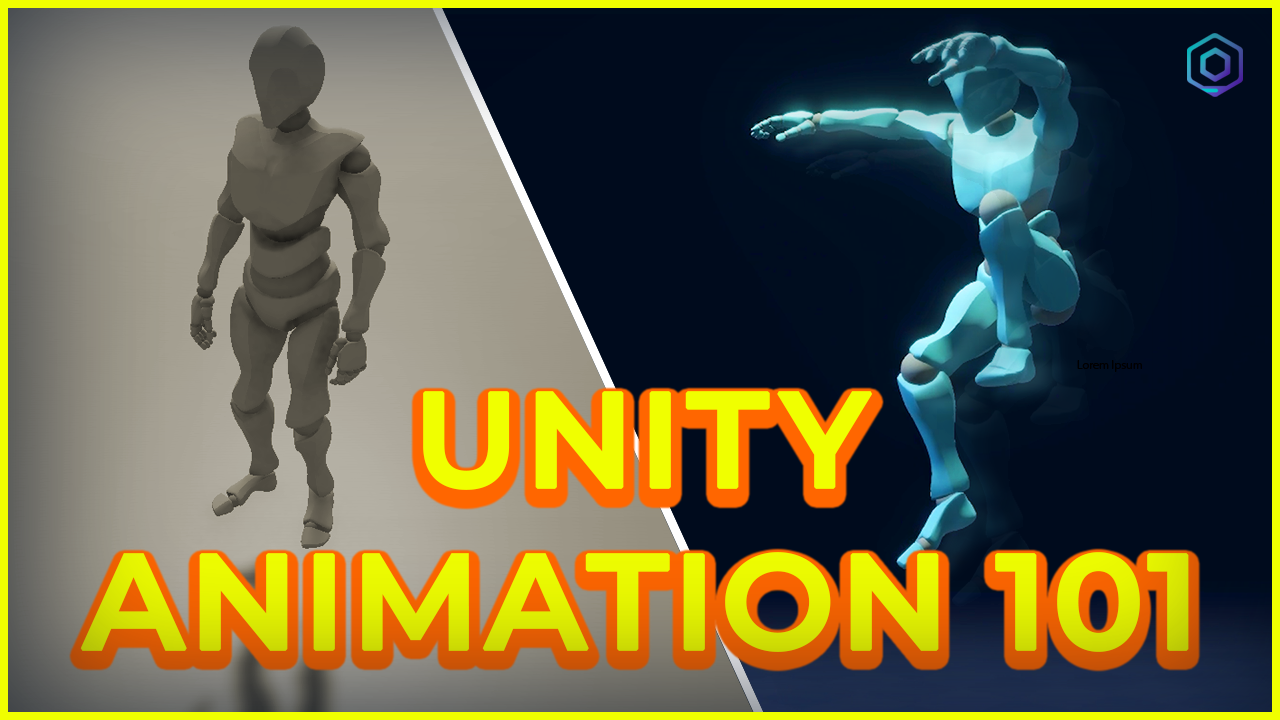
Make Your Characters Feel Alive (and Punchy)
This is where your game starts to feel like a game. You’ll wire up animation states, transitions, and input so that your character can run, attack, and chain combos without everything turning into a rigid or floaty mess.
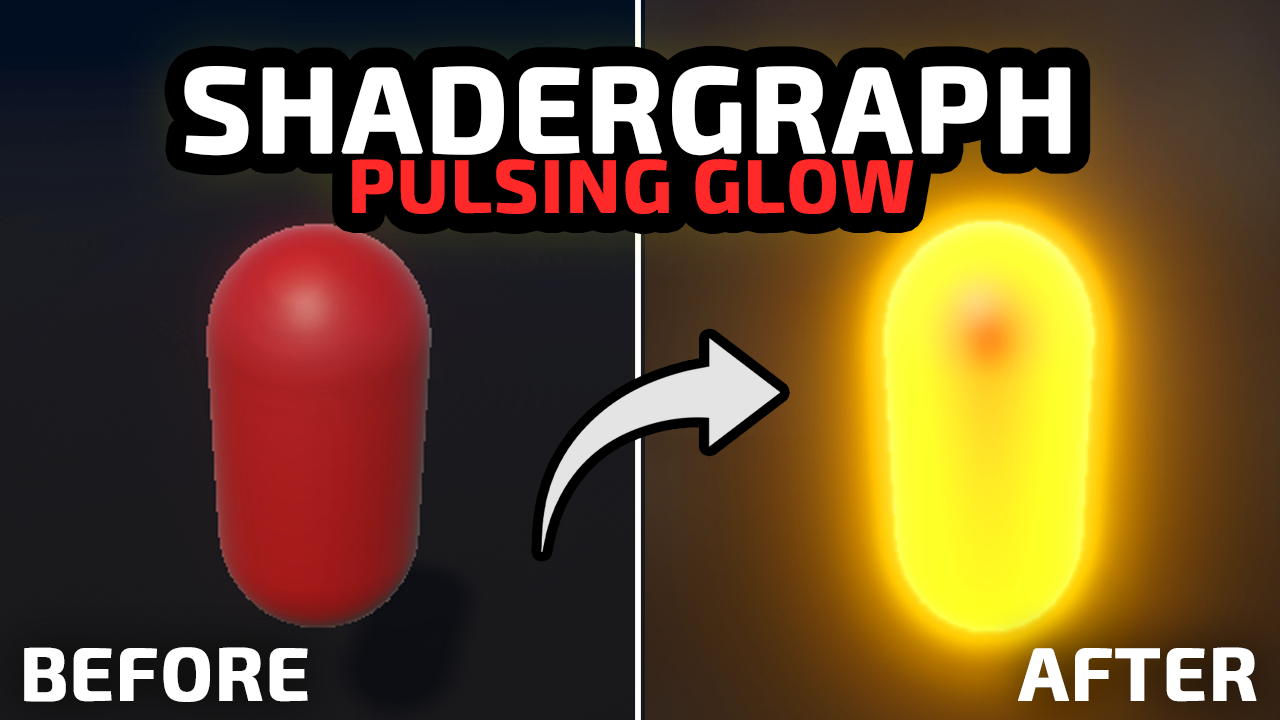
Make Your Game Look Like You Meant It
You don’t need AAA graphics—but a bit of Shader Graph goes a long way. Learn how to build effects like holograms, dissolves, and highlight glows that make your mechanics feel intentional and satisfying.
Ready for a Structured Intermediate Project?
If you’re done bouncing between random tutorials and want a clear path from “I know the basics” to “I can ship a game,” start with the free preview of Unity 101.
Start the Free Unity 101 Preview